Common Issues
During installation you see a blue screen that “Windows protected your PC”
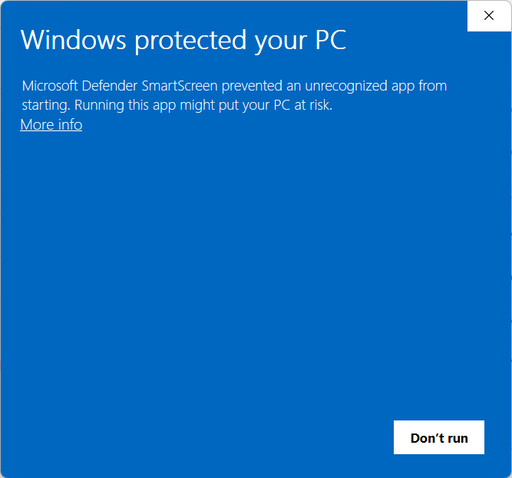
Clicking the “More info” link allows you to see that the installer was created by Intact Solutions, Inc., and pressing the “Run anyway” button will install Intact for nTop.
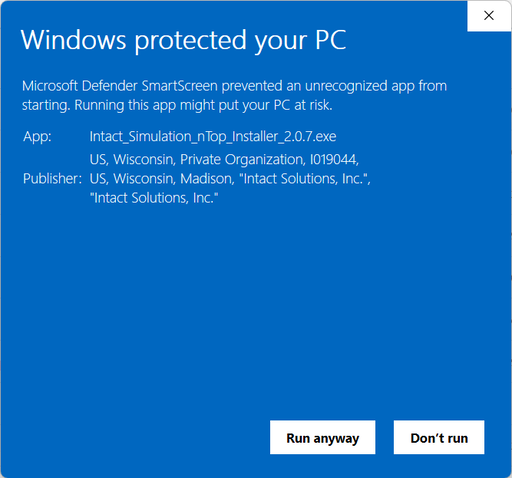
Microsoft Windows warns about any software downloaded from the internet and installed until that software generates sufficient positive reputation.
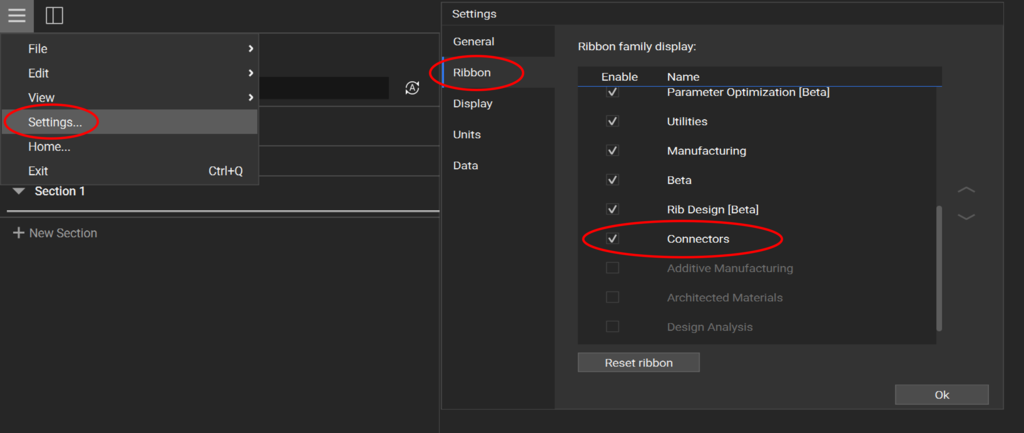
Make sure the “Connectors” ribbon is enabled under nTop -> Settings -> Ribbon -> Enable ‘Connectors’.
If an Intact connector block is giving errors, check the nTop log or the
log.txtfile in your specified project directory.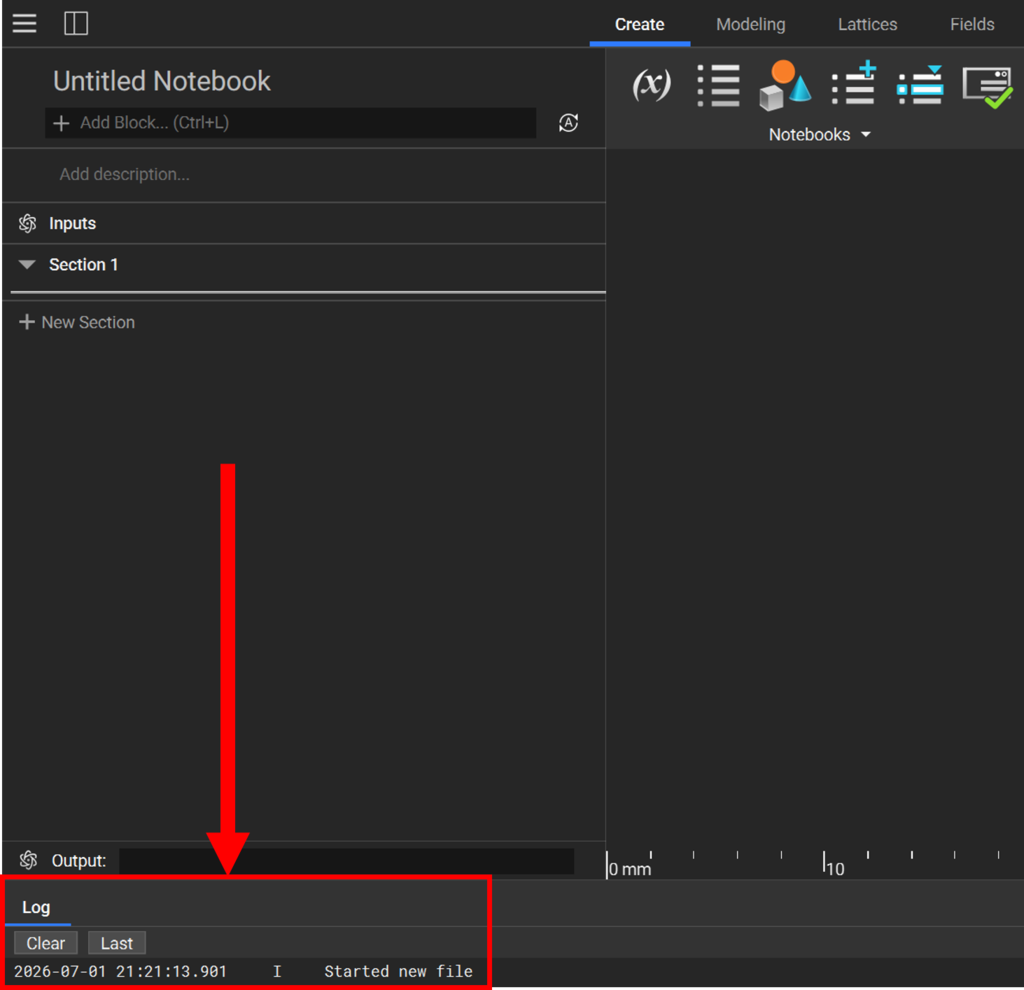
If there is no information in the log, you may have an inactive license. See the Intact License Manager manual here.