Installation
Installing Intact Simulation for nTop
Download and install Intact Simulation for nTop
You will receive download info and trial license in an email after applying for beta.
The default installation directory is
%localappdata%\Programs\Intact.Simulation for nTop, typicallyC:\Users\$username$\AppData\Local\Programs\Intact.Simulation for nTopDocumentation and example files are in the default installation directory:
C:\Users\$username$\AppData\Local\Programs\Intact.Simulation for nTop\Getting StartedCustom block connector files are installed to
%programdata%\nTopology\connectors, typicallyC:\ProgramData\nTopology\connectors
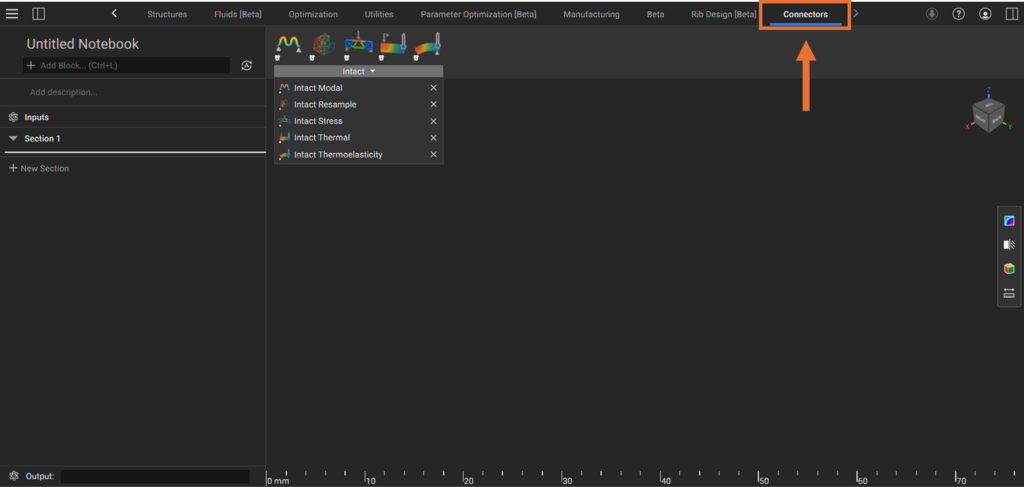
Restart nTop. Now you can access Intact Blocks within the Connectors ribbon tab or by searching “Intact”
License Activation
In order to run Intact.Simulation for nTop, make sure your license is active using the Intact License Manager.